
 PLEASE NOTE: We're still working on this page. Visit our help centre
How do I change between dealerships in the Feefo Hub?
- Log in to the Feefo Hub
- Select the Filter icon next to your name at the top right of the page
- Underneath 'Sales Tag' select 'autotraderdid'
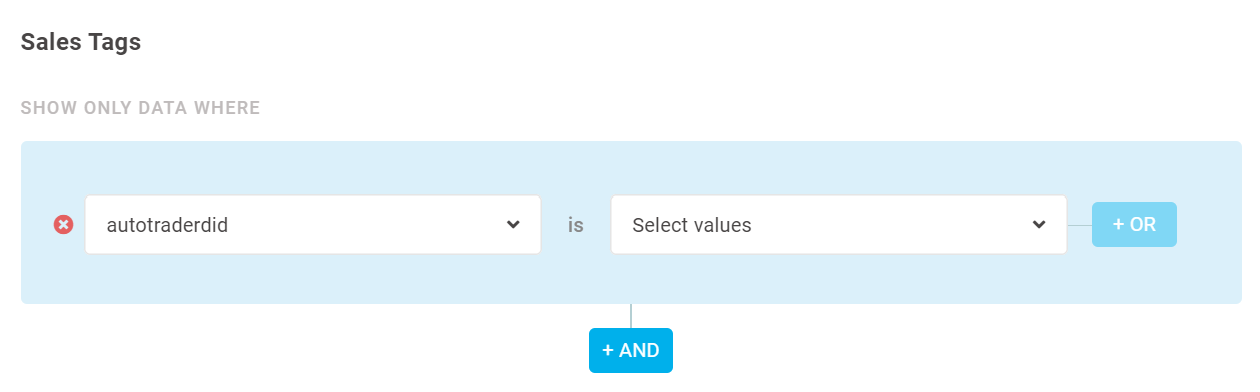
- Select the 'Select values' dropdown
- The dropdown will show various DIDs. Here, you can either select to view individually or select all to give an overview of all your DIDs
- Once you've selected the DID(s) you need, select 'Apply Global Filters' and the data shown will then only be relevant to the DID(s) you chose
